

Are you using monorepos? Then we recommend you follow our monorepos setup.
1. Install dependencies
Install the React Email packages locally.2. Add scripts
Include the following script in yourpackage.json file.
package.json
3. Write an email template
Create a new folder calledemails, create a file inside called email.tsx, and add the following code:
emails/email.tsx
4. Run locally
Start the development server.5. See changes live
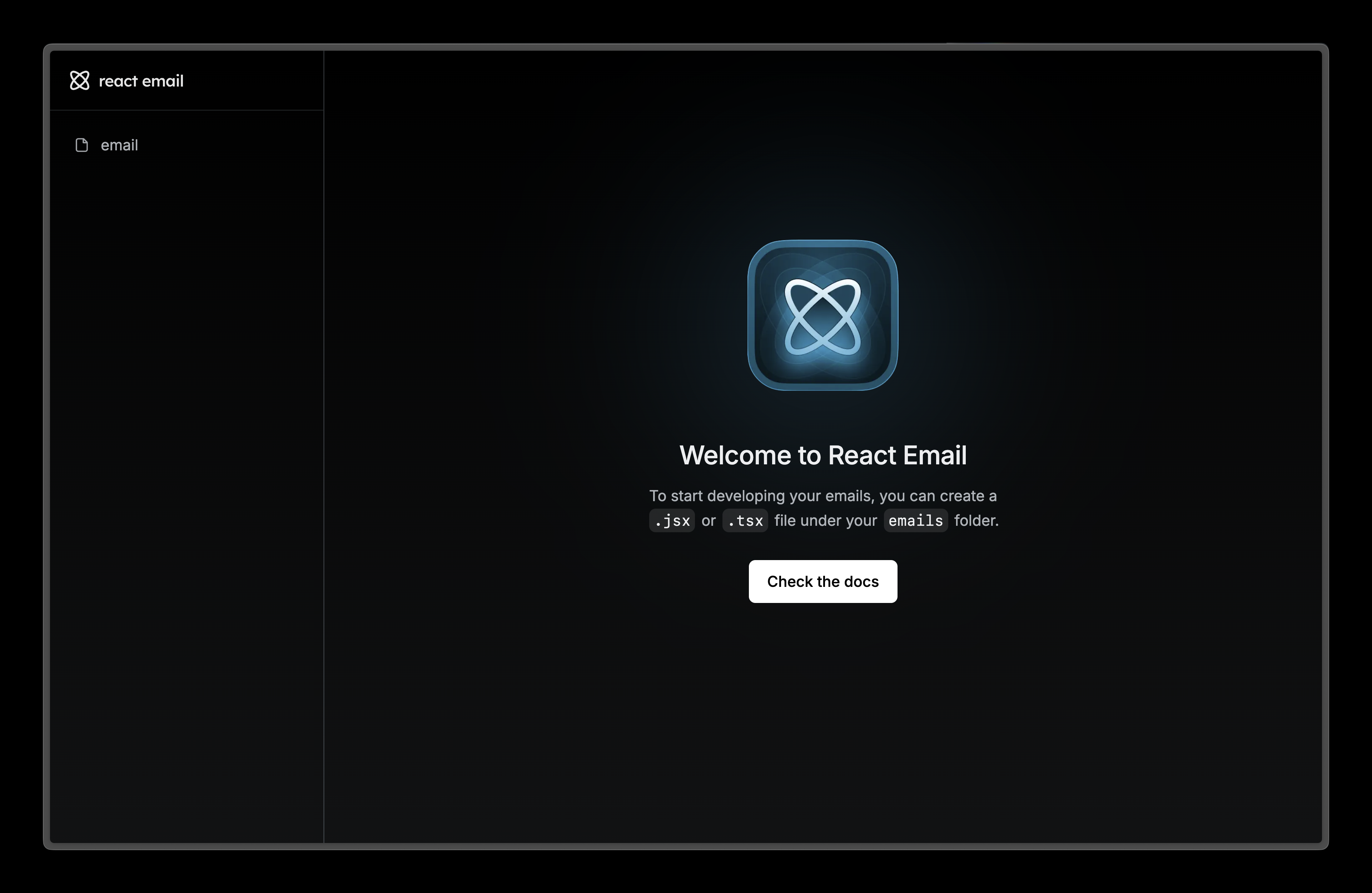
Visit localhost:3000 and editemail.tsx file to see the changes.
6. Next steps
Try adding these other components to your email.Image
Display an image in your email.
Link
A hyperlink to web pages or anything else a URL can address.
Divider
Display a divider that separates content areas in your email.
Preview
A preview text that will be displayed in the inbox of the recipient.