

This is a guide intended at users of yarn modern.
For those who are using yarn classic (
1.x), you can do something similar to the
pnpm guide.1. Create transactional workspace
Create a new folder calledtransactional inside of where you keep workspace packages (generally ./packages/*).
Include a new package.json and do not forget to add this to the workspaces of your monorepo’s package.json.
React Email + Turborepo + yarn example
See the full source code
2. Set linker either to node-modules or to pnpm
Currently, React Email can only work with yarn’s node-modules and pnpm install modes
so you will need to set it to one of these two on your .yarnrc.yml file:
.yarnrc.yml
3. Install dependencies
Install React Email in thetransactional workspace.
packages/transactional
4. Add scripts
Include the following script in yourpackage.json file.
packages/transactional/package.json
5. Write your emails
Create a new folder calledemails, create a file inside called email.tsx and add the following example code:
packages/transactional/emails/email.tsx
6. Run preview server
Start the email previews development server:packages/transactional
7. See changes live
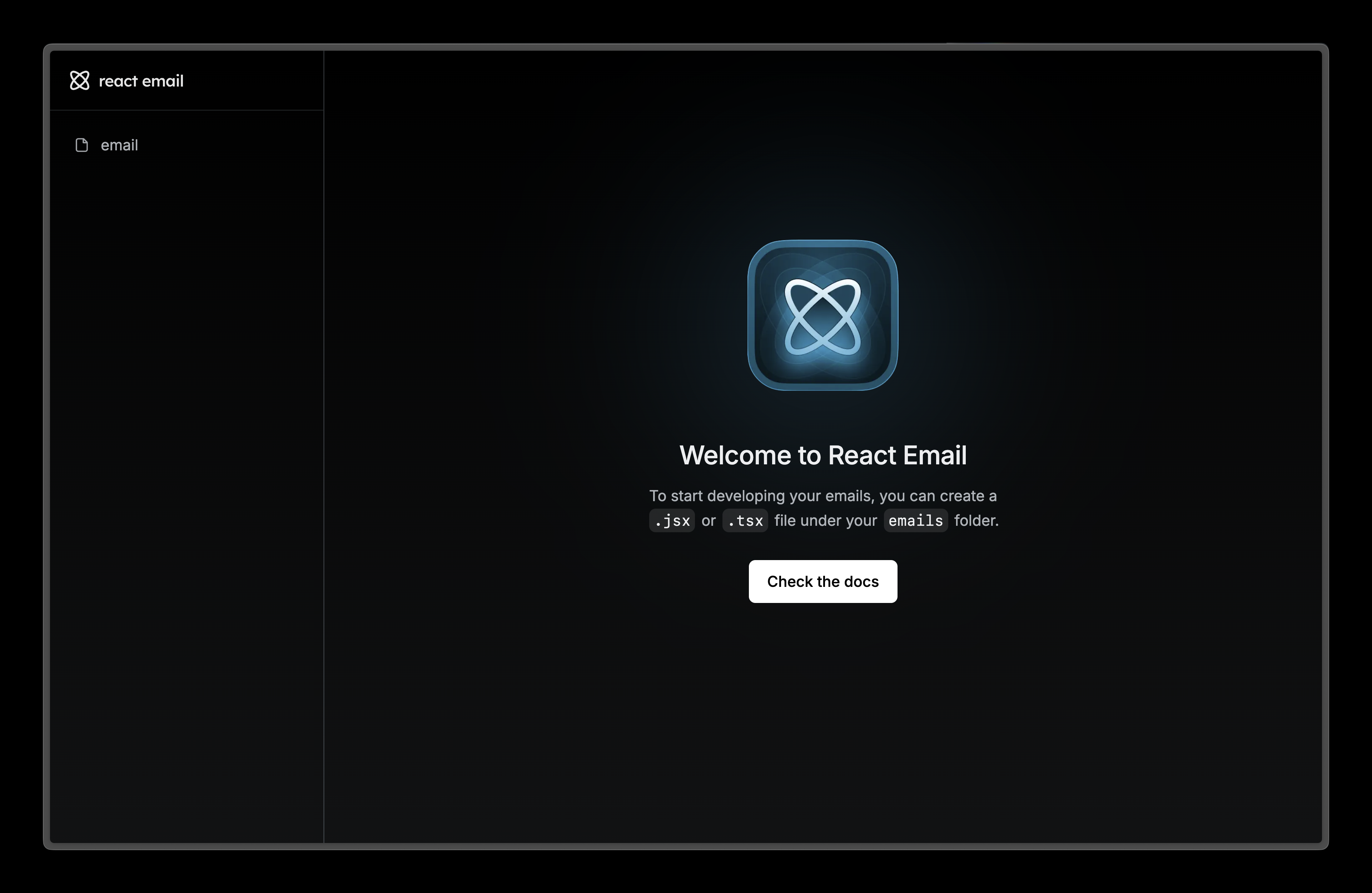
Visit localhost:3000 and edit theemails/email.tsx file to see the changes.
8. Try it yourself
React Email + Turborepo + yarn example
See the full source code